RTL-SDR TCP Multiplexer
A low-overhead RTL TCP relay that lets multiple clients share a single RTL-SDR receiver.
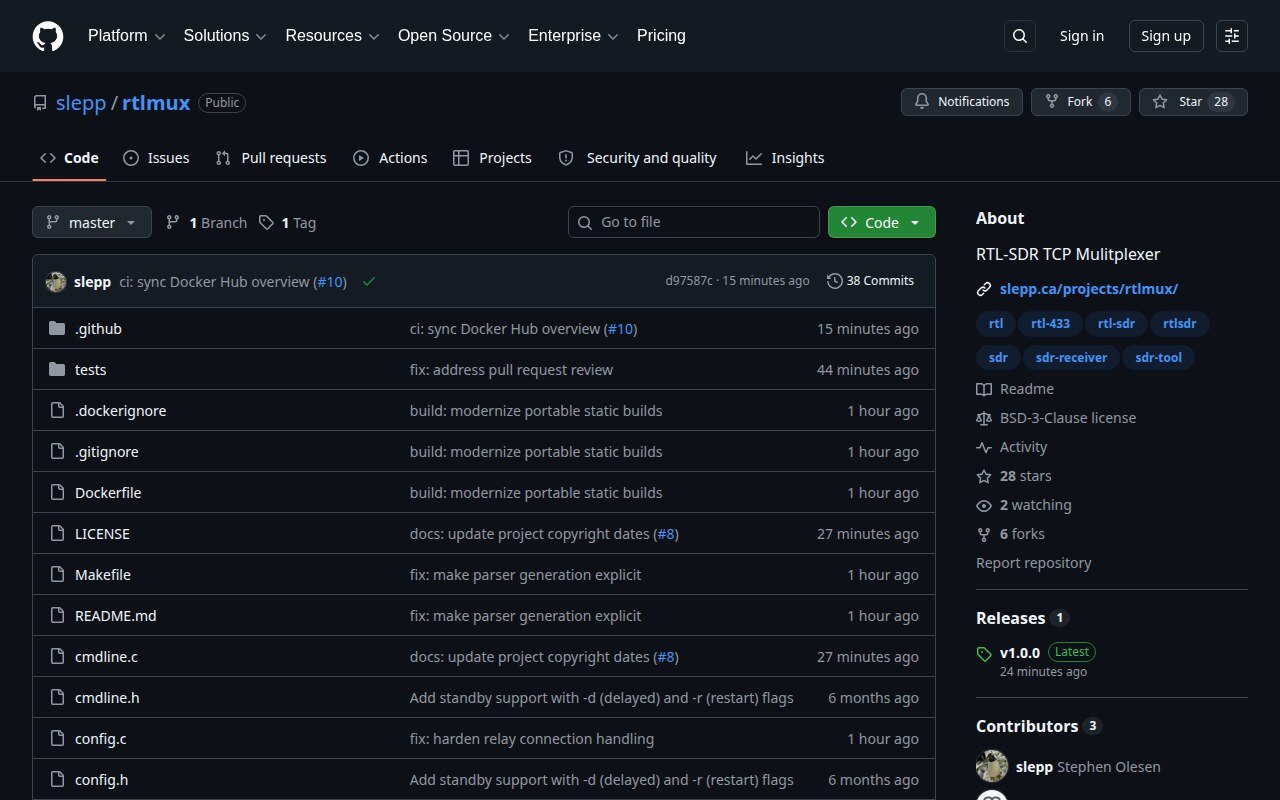
While working with smart meter decoding, I needed a way to use a single RTL-SDR device for multiple simultaneous decoders. The existing rtl_mus solution worked, but I kept running into high CPU load and buffer crashes.
I wrote rtlmux to solve the same problem with less overhead. It connects to an rtl_tcp server once, then relays that IQ stream to multiple TCP clients. In my original testing it used about one quarter of the CPU that rtl_mus needed for the same basic job, which mattered quite a bit on the small Raspberry Pi systems I was using at the time.
The original problem
RTL-SDR dongles are cheap and surprisingly capable software-defined radio receivers, but the normal rtl_tcp arrangement assumes one device and one client. That is inconvenient when several decoders need to look at the same part of the spectrum: multiple smart meter protocols, or different experiments running off one sample stream.
Buying another dongle for every decoder would work, but it seemed wasteful. I already had the samples; I just needed to distribute them without copying and buffering the same data over and over again.
How it works
rtlmux sits between rtl_tcp and its clients. It reads each block from the upstream receiver once and adds references to that block in each client’s libevent output buffer. When the last client finishes with it, the block is released.
That arrangement keeps the data path fairly simple:
- one connection to the upstream
rtl_tcpserver - multiple downstream RTL TCP client connections
- the normal 12-byte RTL TCP header sent to each client
- shared tuner commands forwarded back to the receiver
- bounded per-client output buffering, with samples dropped for clients that cannot keep up
There is one important consequence: the receiver is still a single piece of hardware with one tuner state. Every client sees the same IQ stream, and a frequency or gain command from one client changes the receiver for everybody. This is a stream multiplexer, not several independent virtual radios.
The 2026 update
The program had been quietly doing its job for years, but the repository around it had become rather dated. In 2026 I went through the runtime and release process again and published a proper v1.0.0.
The relay now handles fragmented client commands correctly, waits for a real upstream header before admitting clients to the stream, reconnects without leaving stale libevent objects behind, and shuts down cleanly through libevent signal handling. I also tightened port validation, logging, statistics formatting on 32-bit ARM, and the various cleanup paths that only become interesting after a service has been running for a long time.
The duller half of the update, and probably the more useful one, was making it easy to install. Tagged releases now include static Linux binaries for amd64, arm64, and 32-bit ARMv7, including the WEB-888. The same three architectures are published as a small Docker image, and the build and release paths are checked by GitHub Actions.
Running it
The quickest option is the Docker image. On a Linux host, using host networking keeps the RTL TCP and status ports straightforward:
docker run --rm --network host slepp/rtlmux:latest \
  -h 192.168.1.50 -p 1234 -l 7878 -d -r
That connects to rtl_tcp at 192.168.1.50:1234, accepts downstream clients on port 7878, and exposes status at http://localhost:7879/stats.json.
If a container is unnecessary, download the appropriate static binary from the latest GitHub release:
curl -LO https://github.com/slepp/rtlmux/releases/latest/download/rtlmux-linux-armv7
chmod +x rtlmux-linux-armv7

./rtlmux-linux-armv7 -h 192.168.1.50 -p 1234 -l 7878 -d -r
The available options are deliberately small:
-h, --host=ADDRESS  rtl_tcp server address (default: localhost)
-p, --port=PORT     rtl_tcp server port (default: 1234)
-l, --listen=PORT   client listening port (default: 7878)
-d, --delayed       connect upstream on demand and exit after the last client
-r, --restart       restart after the last client disconnects
With no standby flags, rtlmux connects upstream immediately and keeps running. With -d, it waits for the first client and exits after the last one disconnects. I normally use -d -r for a long-running service: the process remains available, but the upstream receiver is only active while somebody is actually listening.
The HTTP status port is always the client port plus one. Its JSON response includes upstream traffic totals and, for each connected client, bytes transferred, dropped sample blocks, connection time, address, and port.
A note about the network
RTL TCP does not provide authentication or encryption, and any connected client can change the shared tuner settings. This is fine on my trusted home LAN, which is where I designed it to run, but I would not expose either rtl_tcp or rtlmux directly to the internet. Put it behind a firewall or VPN if clients need to connect remotely.
Change history
2016 — Original implementation. I wrote the first version for smart meter decoding and Raspberry Pi use, mainly to reduce the CPU and buffer problems I was seeing with rtl_mus.
2018 — Container distribution. I published the Docker image so I could deploy the relay without rebuilding it on each small system.
2026 — Version 1.0.0. I revisited the network lifecycle, protocol framing, cleanup, logging, statistics, and standby behaviour; added regression coverage; and set up static multi-architecture releases and Docker publishing.
The project is complete in the sense that it does the fairly narrow job I wrote it for. I am still maintaining it, though, and the 2026 work was mostly about making that small tool safe and convenient to keep using.
Downloads and support
- GitHub repository — source, documentation, and issue tracking
- Version 1.0.0 release — static binaries and checksums
- Docker Hub —
latest, versioned, andedgeimages - GitHub issues — bug reports and reproducible compatibility problems
If something fails on a particular receiver or client, the most useful report includes the architecture, the exact command line, the upstream rtl_tcp version, and the client software being used.
See also
- Amateur Radio hobby page — more about my SDR and ham radio activities
- AX.25 Packet Modem — another radio project